Upgrading Your Stream Quality Without Breaking the Bank

Scrolling through Twitch or YouTube, it’s easy to feel like you need a ten thousand dollar setup just to compete. Every big streamer seems to have professional cameras, studio lighting, custom overlays, and gear that costs more than a used car. But here’s the truth: most of that expensive equipment is overkill when you’re starting out or trying to level up on a budget.
You can dramatically improve your stream quality without emptying your bank account. It just requires knowing where to focus your limited resources and understanding which upgrades actually make a noticeable difference to viewers. Let’s break down the practical, affordable improvements that’ll give you the biggest bang for your buck.
Audio Matters More Than You Think
This might surprise you, but viewers will stick around through slightly grainy video way longer than they’ll tolerate garbage audio. Crackling mics, background noise, inconsistent volume levels, these things drive people away faster than almost anything else. Your voice is how you connect with your audience, so it needs to sound clear and professional.
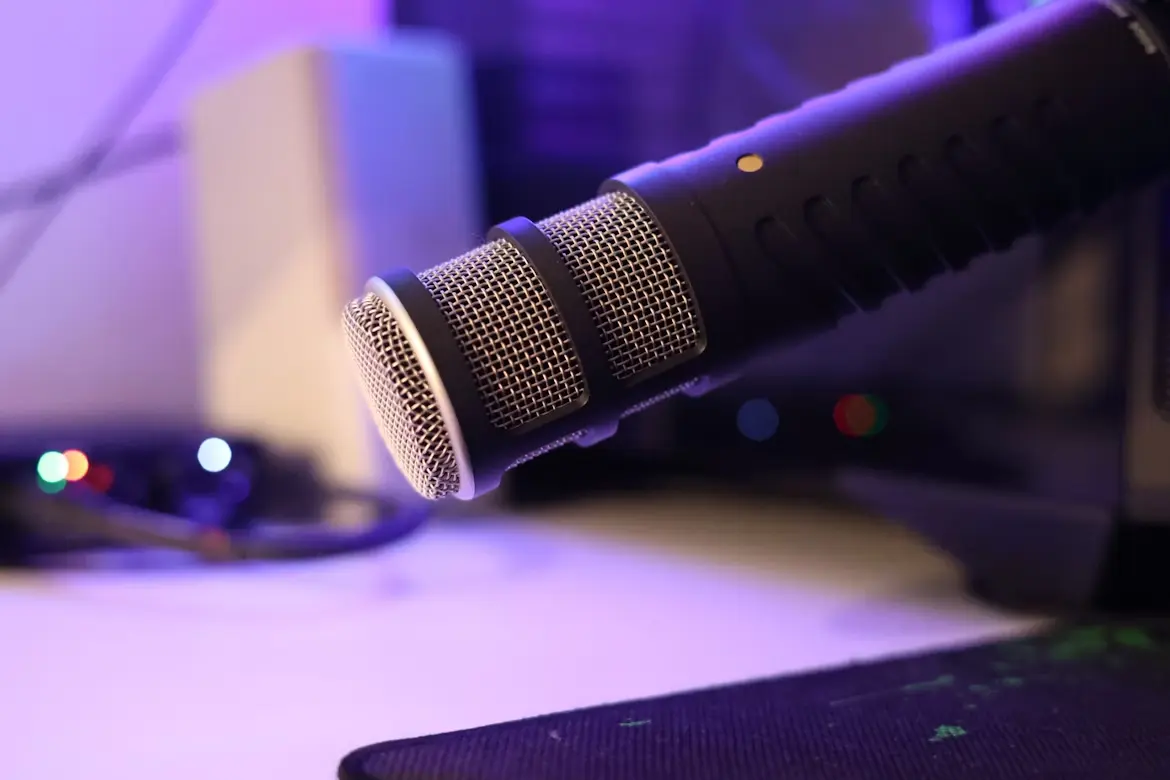
The good news is that decent audio doesn’t require spending a fortune. A good microphone for twitch streaming from the Razer Seiren family can completely transform your sound without requiring expensive audio interfaces or complicated setups. You plug it in, adjust a few settings, and suddenly you sound like you know what you’re doing.
Beyond the mic itself, your recording environment matters just as much. Hard surfaces bounce sound around and create echo. Hanging some thick curtains, putting up foam panels, or even just streaming in a room with carpet and furniture helps absorb sound reflections. You don’t need a professional sound booth. Just avoid streaming in empty rooms with bare walls that make you sound like you’re in a bathroom.
Position your mic properly too. It should be close to your mouth (maybe six inches away) and slightly off to the side so you’re not breathing directly into it. Pop filters cost like ten bucks and eliminate those annoying plosive sounds when you say words with P’s and B’s.
Lighting: The Cheapest Big Improvement
Want to instantly look more professional? Fix your lighting. Seriously, proper lighting does more for perceived video quality than upgrading from a webcam to a DSLR. A well-lit webcam looks better than an expensive camera in terrible lighting every single time.
You don’t need fancy studio lights to start. Two or three clip lights from a hardware store with daylight bulbs (around 5000K color temperature) will dramatically improve how you look on camera. Position one in front of you as your main light, another off to the side to fill in shadows, and maybe one behind to separate you from the background.
If you stream during the day, natural window light is absolutely free and looks fantastic. Just face the window so light hits your face evenly. Avoid sitting with a window behind you unless you want to look like a shadowy silhouette.
The basic idea is to eliminate harsh shadows on your face while making sure you’re the brightest thing in frame. Your audience’s eyes should naturally focus on you, not the bright lamp in the background or the window blowing out half your image.
Optimizing What You Already Have
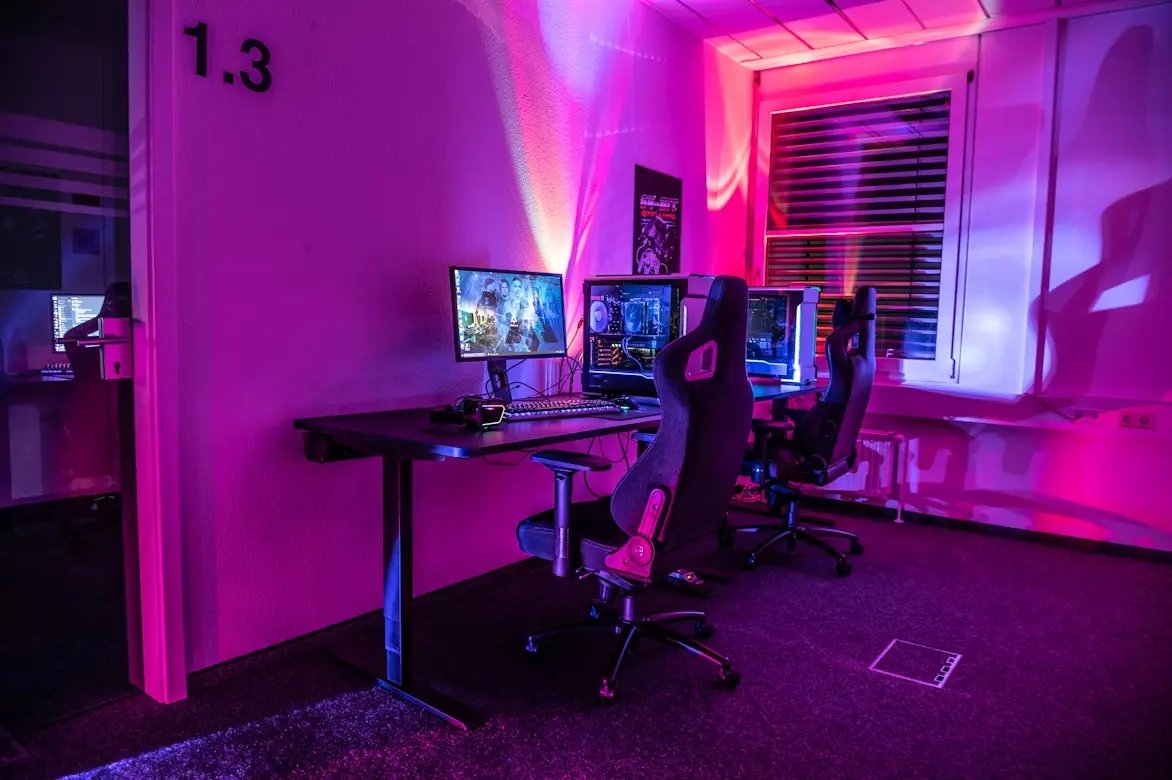
Before buying anything new, squeeze every bit of quality out of your current gear. Most people never touch their camera settings and just accept whatever the default auto mode gives them. Dive into your webcam or camera software and manually adjust exposure, white balance, and focus. Auto settings constantly hunt for the “right” values and create distracting shifts during your stream.
Your streaming software matters too. OBS Studio is free and infinitely more capable than most people realize. Proper encoder settings, bitrate configuration, and output resolution can make the same hardware produce noticeably better results. Spend an hour watching tutorials on OBS optimization instead of immediately shopping for upgrades.
Internet connection issues kill stream quality faster than bad equipment. Test your upload speed (not download) and make sure you’re not trying to stream at a bitrate your connection can’t handle consistently. Hardwire your PC to your router instead of using WiFi whenever possible. Close bandwidth-hogging applications running in the background.
Your background and framing matter too. Clean up the mess behind you or position your camera so viewers see a wall with maybe one or two intentional decorative elements. Center yourself in frame with a bit of headroom above. These cost nothing and make you look more put together immediately.
Smart Budget Allocation
If you’ve got a couple hundred bucks to spend on upgrades, spend it strategically. Audio should almost always be your first investment if your current mic sounds terrible. Next comes lighting because of the massive improvement-to-cost ratio. Camera upgrades should typically wait unless your webcam is truly ancient and struggling.
Don’t be afraid to buy used equipment for things like microphones, cameras, and lighting. This stuff doesn’t wear out quickly, and you can often find barely-used gear from people who gave up on streaming for half the retail price. Check local marketplaces, not just online retailers.
Save money on things that don’t directly affect viewer experience. You don’t need an expensive desk, a custom-built streaming PC case, or matching RGB everything. Those things are nice if you can afford them, but they’re not why people watch streams.
Free and Cheap Software Solutions
OBS isn’t the only free tool that can improve your production value. StreamElements and Streamlabs offer free overlays, alerts, and widgets that make your stream look more polished. You don’t need to commission custom graphics when there are thousands of free options available.
Browser-based tools like Canva let you create decent stream graphics without Photoshop skills or subscriptions. Free VST audio plugins can improve your voice quality through compression and EQ without buying hardware processors.
Be selective though. Don’t clutter your stream with every free plugin and widget you find. Cleaner is usually better than busy when it comes to overlays and on-screen elements.
The Incremental Upgrade Path
Build your setup piece by piece instead of trying to buy everything at once. Start with one significant upgrade, learn to use it properly, then move to the next improvement after a few months. This approach spreads costs over time and lets you figure out what you actually need versus what just seems cool.
A reasonable upgrade path might look like: decent microphone first, then basic lighting setup, then better camera if needed, then fancier overlays and alerts. Your specific path depends on where your current setup is weakest.
Set realistic expectations too. Even with all the right gear, your stream won’t magically look like a big production on day one. Learning to use equipment properly and developing your on-camera presence takes time and practice.
Common Mistakes That Cost Money
The biggest money-waster is gear obsession. Constantly buying new equipment instead of improving your actual content doesn’t help. Viewers come for personality, entertainment, and skill at whatever you’re streaming. They don’t care if your mic cost two hundred or two thousand dollars as long as you sound clear.
Chasing every trend you see other streamers doing is another budget killer. Just because someone popular bought a Stream Deck or a green screen doesn’t mean you need one. Evaluate whether something actually solves a problem you have or just seems neat.
Impulse purchases after one frustrating stream where something went wrong rarely end well. Sleep on equipment decisions for at least a few days to make sure you’re buying solutions to real problems, not just feeling annoyed and throwing money at it.
Quality Over Perfection
Upgrading your stream doesn’t require massive investments or pro-level equipment. Focus on audio first, add some decent lighting, optimize your existing gear, and learn your software inside and out. Those fundamentals will take you incredibly far before you need to consider expensive upgrades.
Start with one improvement, nail it, then move to the next. Consistency in streaming and genuine engagement with your audience matter way more than having the fanciest setup. Get the basics right on a budget, and build from there as your channel grows.