How to Film Comic Books and Collectables Without Losing the Details

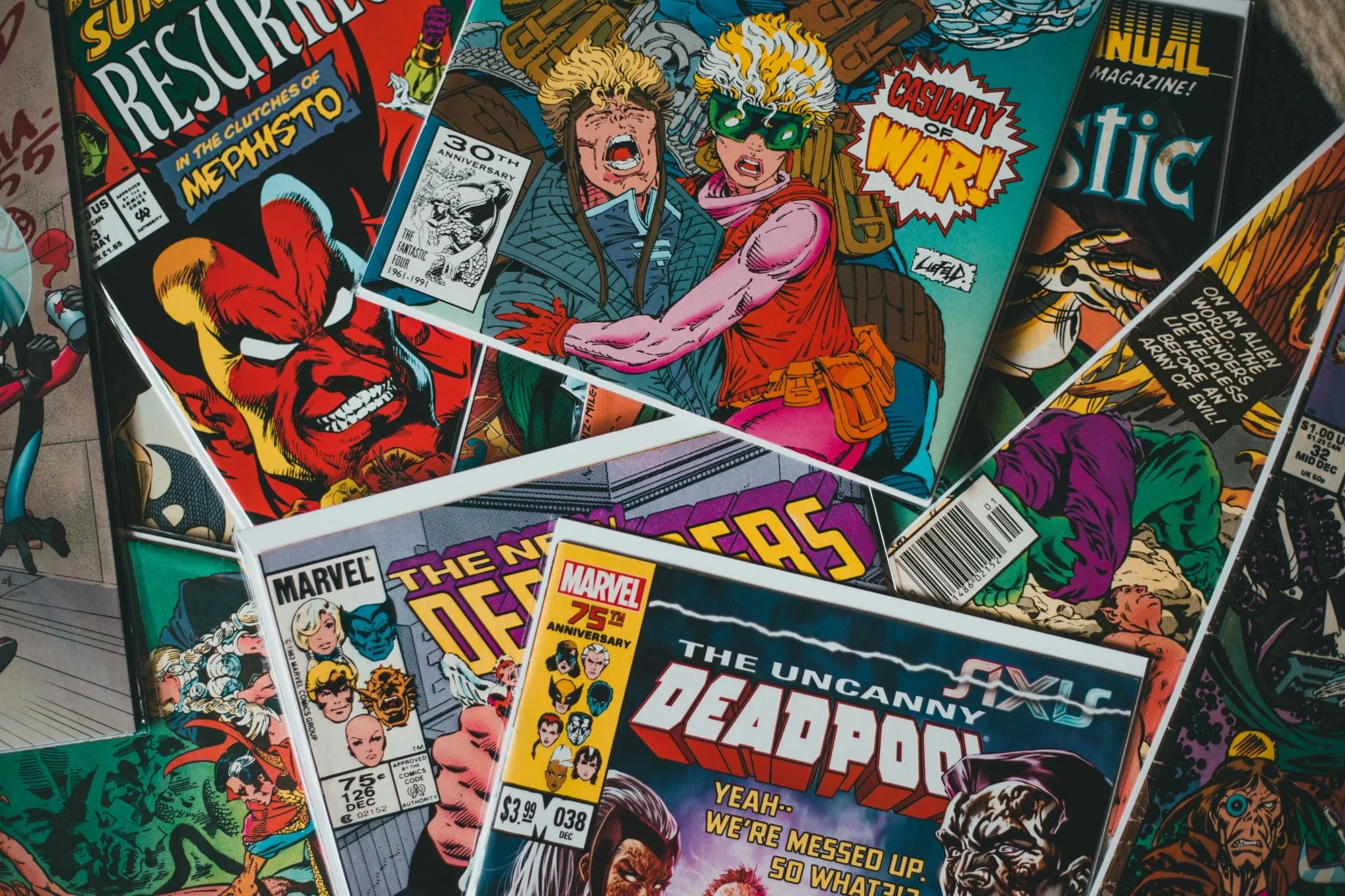

You finally get your hands on the comic you have been hunting for months, with a jaw-dropping cover. The artwork is incredible, the colours look vivid, and every little detail makes the wait worth it. Now you want to show this to the viewers, but capturing the same look on camera is a whole other story.
Glare covers the artwork; fine lines lose their sharpness and colour, and what looks impressive in your hands suddenly looks flat on your screen. The same happens with action figures, limited-edition releases, and other collectables. Suddenly, your video doesn’t do justice to the items you were excited to share.
A great collection deserves a good filming setup. The cover artwork, the paint on the figure’s face, and even the packaging design can make the item stand out. Just follow the simple tricks to record the footage and let your viewers see your collectables.
Give Your Collectable Its Main-Character Moment
Your favourite comic or other collectables should be the star of the frame, not the piles of boxes and random stuff behind it. A plain background works well, but you won’t have to make your background look like a product catalogue.
A shelf of arranged comics and other collectables can keep the view clear without stealing attention from the main subject. Next, deal with the lighting. Glossy comic covers can reflect light at the worst angles. Once you show the cover, the next shot shows the light reflection covering the whole area. So, put the light to one side and shoot at an angle where it doesn’t reflect. Now, once the reflections are under control, get a full shot of the item. Show the entire cover and everything before zooming in.
Don’t rush the close-ups
This is where many collectables lose their charm on camera: the creator gets excited and moves too quickly, trying to show every interesting detail in just two seconds. Filming the comic is a bit tricky; give the cover artwork a few seconds. Let viewers see the colours, character poses and other design elements.
Action figures deserve their own spotlight too. Start with the full figure, then move closer and refocus to show the sculpt and facial expression. Hold each shot for a few seconds and make sure the details stay in focus.
Keep the camera under control
You cannot flip through comic pages, pointing out all the little details, while keeping your phone steady enough for a decent recording. A tripod is your best bet in this situation. Your viewers came for the comic details, not a shaky-camera horror show. Adjusting your camera angle prior to recording allows you to flip through pages without constantly adjusting.
Clean Up the Footage Without Overdoing It
You’ve got all the shots, but there are some issues at the editing stage. One clip is slightly blurry, and the others have distracting lighting changes. Annoying, right? Look through the clips and make edits where necessary. Trim awkward camera movements and adjust exposure for dark shots.
Don’t spend hours on a clip that only needs a few adjustments. If an exported clip looks softer than the original, check the export settings first. The goal is simple: spend less time wrestling with footage quality and more time showing your collection to viewers.
Can Video Enhancement Save a Soft Close-Up?
Sometimes the clip isn’t a disaster. It’s just a little softer than what you were expecting. Maybe you filmed the shots clearly, but the video no longer has the details you remember from recording. Vmake Labs lets you refine the existing video with a few steps. The process is simple: upload the clip, select the enhancement option, and process the video at your desired quality, like 2K, 4K, or 8K. Test a short section first before processing the full recording. After enhancing, compare the results with the original and review them. Look closely at fine lines, lettering and small sculpted features. Make sure that if the video has text, it’s still readable. Also check the colours against the original, as enhancement can change them. Higher resolution does not guarantee that tiny lettering or painted details match the source.
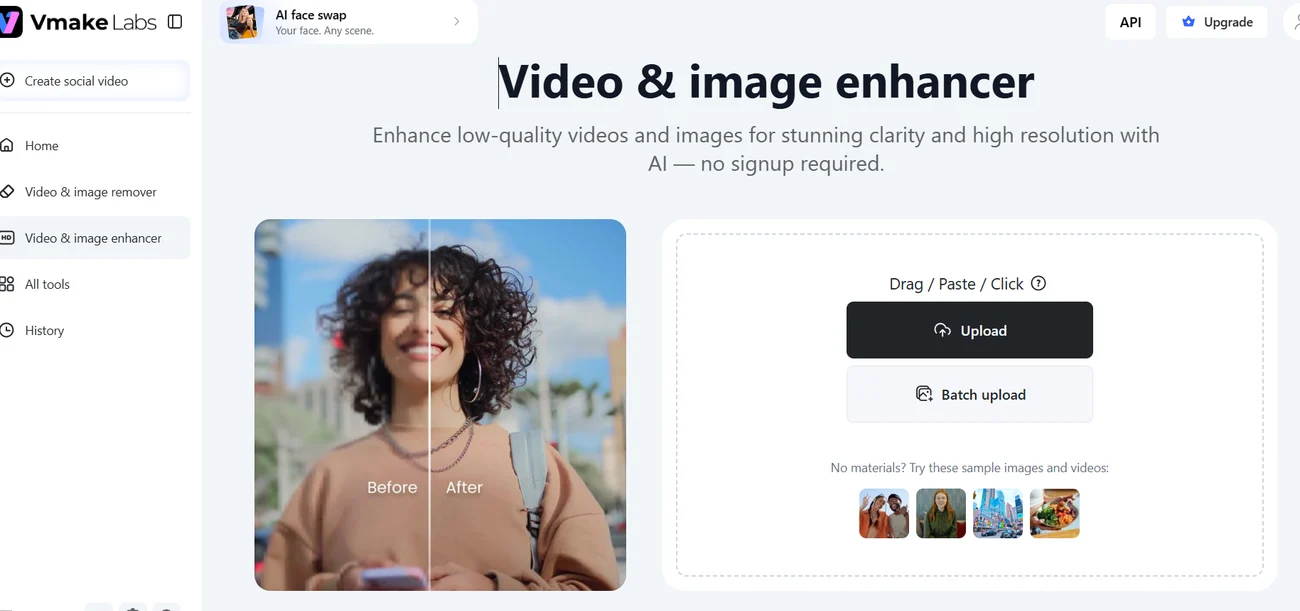
Vmake’s upload screen with a supplied before-and-after sample. Source: Vmake interface. Interface demonstration only.
Know When to Reshoot and When to Enhance
Not all bad clips require an AI solution. Re-recording will produce a better result if your hand wasn’t very steady, your camera went out of focus, or the camera moved between takes. If you secured the shot you wanted but it looks a bit soft, you might want to enhance it. You’ve already got the shot; now all you need is an AI improvement tool such as Vmake to improve video quality.
Give your collection video a strong finish
You don’t need a ten-minute tour to make people stop and watch your video. All you need is to take notes and start recording. Start with all the collectables so viewers know exactly what’s on display. Following up with two or three close-ups will reveal the best details.
For a comic, show the cover and distinctive designs; for other collectables, show the sculpt and any other detail that can catch viewers’ eyes. Then give viewers your take. What made you buy this product? Which detail most surprised you? Is the cover the reason you wanted this particular comic? A genuine reason will hook viewers and keep them connected throughout the video. All these tricks will make your video the real star among viewers.
Make every detail count
A collectable can have brilliant artwork, an incredible sculpt or tiny details that make the whole purchase worth it. Start with the full collectables, then move in to capture the features that deserve extra attention. Hold each shot long enough to check the details. Nobody wants to pause the video every 5 seconds to see the close-up or details. Pay attention to focus, too, because it can ruin your video. Every shot is a chance to keep viewers watching longer throughout the whole video.